

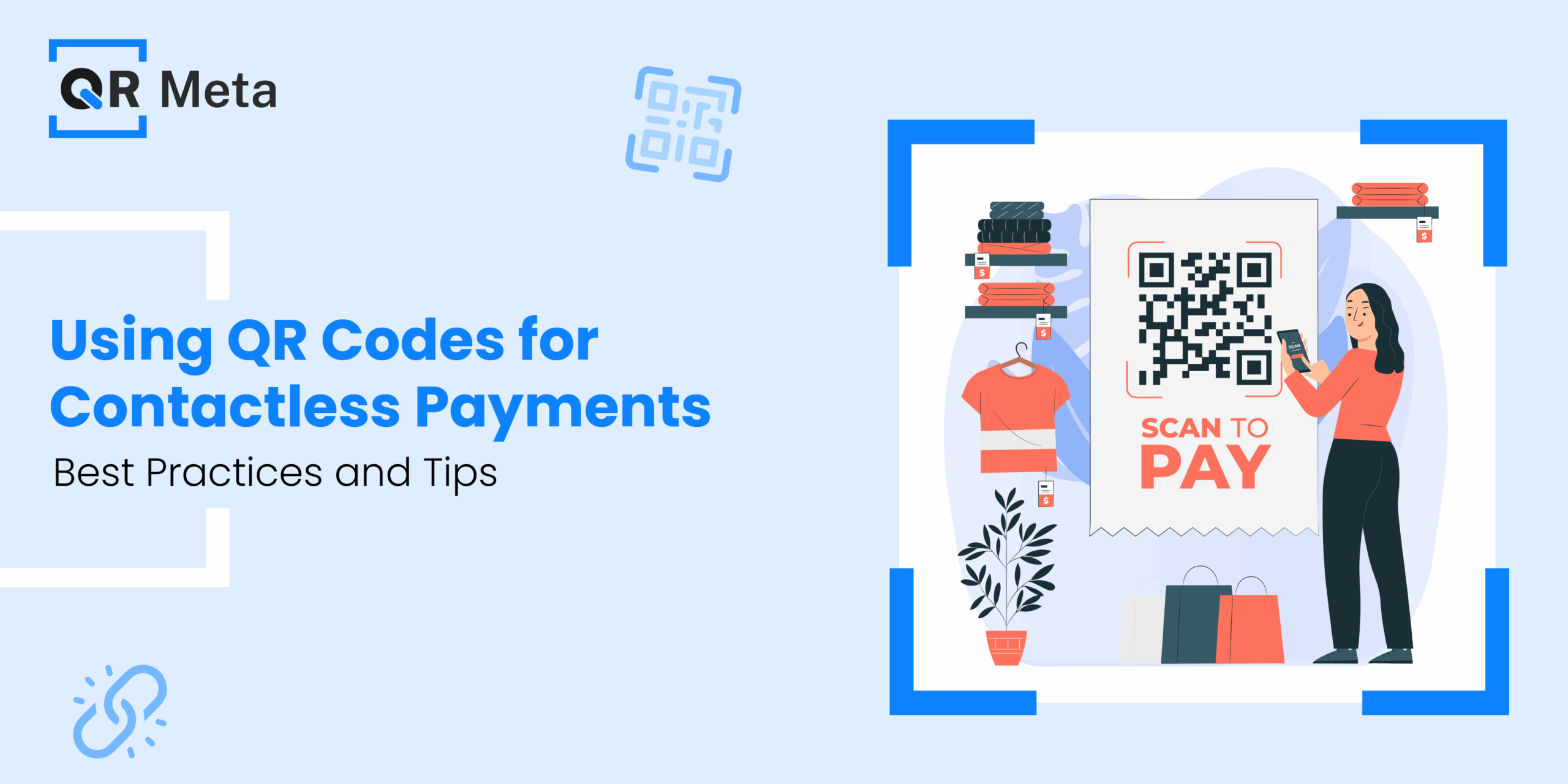
QR codes have come a long way since being only found on brochures and flyers. Now, Officially it exists in our wallets as QR Codes for Contactless Payments. They have rapidly become one of the most convenient and trusted methods of payment in recent years; no cards, no cash, just scan.
What changed? COVID-19 gave QR codes the push they needed. The pandemic prompted consumers and businesses to rethink safety and hygiene within everyday transactions. Suddenly, handing your credit card to the waiting staff or touching a payment terminal wouldn’t feel so comfortable. That’s when contactless payment became king and QR codes took center stage.
Why are businesses in every sector moving to QR pay? Because they are easy, flexible and universal. Whether you’re a coffee shop, busy supermarket or a freelance yoga instructor, QR codes create a level playing field. You don’t need sophisticated hardware or software, you just need a smartphone and a payment app, and you can accept payments.
What Are QR Code Payments and How Do They Work?

So, what is a QR code payment, exactly?
In simple terms, a QR code payment is a digital payment process that is triggered by scanning a machine-readable code or the now-familiar black-and-white square. The QR code links to a secure payment page or activates a transaction through a mobile wallet.
There are two main types:
Static QR Code: A permanent code that when scanned takes the payer to a payment link. It will be more useful with smaller payments that are always the same.
Dynamic QR Code: An intelligent and real-time code that updates with each new transaction. It usually includes some degree of order detail (i.e., amount, invoice number, merchant ID). Dynamic QR codes are best suited to restaurants, eCommerce or any business where price can vary.
So, what does the payment flow look like?
It is actually much smoother than you probably think:
- Scan: The customer opens their mobile wallet (i.e., GPay, Paytm, Apple Pay), and scans the QR code.
- View: They will see the merchant name and payment amount.
- Pay: Customer confirms and pays with UPI, card or mobile wallet balance.
- Confirm: Both customer and merchant receive instant confirmation often with a sound or visual cue.
Some of the most trusted brands in payments have jumped in:
• PayPal – Unique branded QR codes for small businesses.
• Stripe – APIs for custom QR payment solutions.
• Square – Integrates seamlessly with POS with QR.
• Razorpay (India) – Generates dynamic UPI based QR codes that auto-synchronize with orders.

These players are making it easier than ever to include QR payments in both online and brick and mortar environments.
Why Should You Look at QR Codes for Contactless Payments for Your Business?
Isn’t it really no different from card payments? QR code payments allow your customers to pay without touching shared devices, getting them to sign receipts, or exchanging cash. Just one scan and it is done.
Absence of Expensive Hardware
No need for cumbersome card readers or NFC devices. All you need is something to display, to scan, and a payment app. It is a very small investment with a very wide reach, especially for small businesses or solopreneurs.
Speed and Ease
QR payments are usually under 10 seconds. No pin codes, no card swipes, no more counting change. Customers get the convenience and merchants love faster transactions and shorter queues.
Affordable
QR-based systems usually have lower transaction fees, and you won’t have to buy POS terminals or deal with maintenance fees, so your overhead can remain low.
Compatible with Digital Wallets
QR codes work great with mobile wallets such as:
- Google Pay
- Apple Pay
- PhonePe
- Paytm
- Venmo
Best Practices for Businesses Accepting QR Code Payments

Choose the Right QR Code
Static vs. Dynamic? Which Code is Best for You? QR codes require consideration and do not come in a generic form. The QR code that you choose can mean the difference between ease, security and customer experience.
Static QR Codes
A fixed code that does not change. Normally directs users to a set payment link or in some cases a merchant-specific UPI ID. It is best used for small businesses, and freelance workers. And, is not best used for variable pricing or invoice-based data.
Dynamic QR Codes
A dynamically generated qr code, typically in conjunction with a merchant account and can include order-specific data right down to the amount, order ID or customer reference. Ideal for restaurants, retail, eCommerce or businesses that have variable prices. Tracking and reconciling payments is generally easier using dynamic QR codes.
Establish Safe Payment Gateways
You are sending your customers somewhere with the QR code where are you sending them? Your customers trust you to make sure you protect their money.
When using QR codes for payments, utilize PCI-DSS compliant or PCI-DSS certified payment gateways that encrypt transaction data.
- Do not use free QR code generators for payments, if there is a hack, there may be no trace of it.
- Never redirect users to third-party pages that appear suspicious.
- Ensure that your QR codes can only be opened in trusted wallets or verified payment apps.
Show Clear QR Codes

If they can’t scan it, they can’t pay.
- Placement is important: QR codes should be placed anywhere a transaction is taking place near checkout, by entry points, table tops, menus, the package or box it came in, delivery box or packaging etc.
- Make it scannable: It should be high resolution, printed well, not creased and not blurry, don’t use overly decorative QR codes or any that appear distorted.
- Label it well: Add a title like, “Scan to Pay”. You can list which apps your business accepts, like “Works with Google Pay, PhonePe, Paytm”.
Simple, Clear & Visible
It is likely that your customer is balancing a coffee cup with one hand and their phone with the other hand, so you should make things as easy as possible to use.
Your prompts should be clear and highly visible:
- “Scan to pay”
- “Pay with GPay / PhonePe / UPI”
- “No cash? No problem, scan this.”
For customers who are not as tech-savvy, I would also suggest adding a little step-by-step picture display or sticker close by.
Educate Your Staff
The best technology is useless without the human element.
Here is a short list of things your staff should know:
- Where the QR code locations are
- How to explain to new user how to make payment
- How to confirm payment has been received
- How to help troubleshoot basic problems like poor internet or scan issues.
Conclusion
QR code payments have transformed from a novelty into a needed service- transforming the way we pay, tip, donate and shop. QR codes payments are convenient, safe, and cheap for the retailer, which is why they are becoming an essential part of any size business. If you’re a local cafe owner, retail brand, or service provider, technological advances like QR codes can help your business not only stay updated but allow payments to be completed in a quicker, safer and customer-friendly way.
As long as customers follow basic tips for protection and only use trusted apps, you can still reap the benefits of contactless purchases without worry. The bottom line is that QR codes are a win both ways. All it takes is proper setup, basic communication, and smart use. Payments are already in your pocket, just scan and go.
FAQs
1. Are QR code payments secure?
Yes, so long as the code is used through a secure, PCI compliant gateway and app like GPay, PhonePe, or Apple Pay.
2. What is the difference between a static QR code and a dynamic QR code?
Static QR Code is the same code each time. The payer must enter the amount. Dynamic QR Code changes for each transaction, is usually order specific and have the costs auto filled by the merchant.
3. Can I accept QR payments without a POS machine?
Yes. QR codes do not rely on hardware, so all you need is a smartphone, a printed QR code, and a payment account.
4. What platforms are well-known and trusted to create QR codes?
Some reputable platforms that have QR codes include Razorpay, Stripe, Square, PayPal. Google Pay for Business has also provided some excellent QR code solutions that are easy to manage and secure.




