

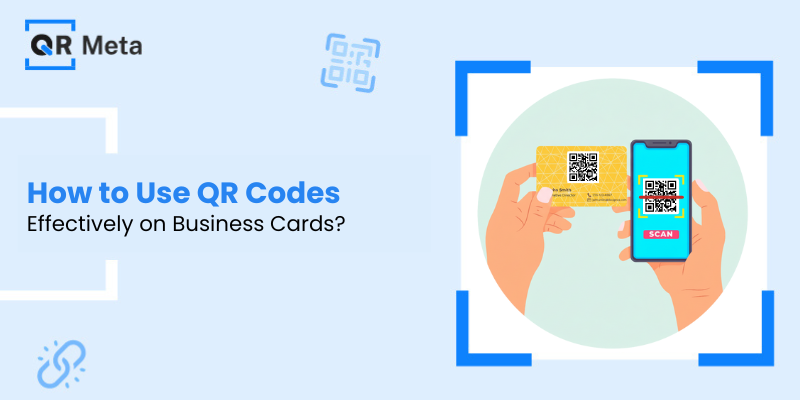
Business cards are still around, they have just changed.
Currently, tiny printed cards can do more than just display your name and phone number. With a strategically placed QR code, it can easily open your website, share your contact details, or direct someone to your latest work, all with a single scan.
However, the QR code on a business card will only help if it is used correctly.
Here, we will explore how to use QR codes on business cards effectively, the right links, the smart ways to design them, and how to find out what really works in the real world. Let’s check it out!
Why QR Codes on Business Cards Actually Make Sense?
Let’s think about how people exchange contact details today.
Most people don’t manually type URLs anymore. They don’t save numbers immediately. They scan.
A QR code removes friction. Instead of saying, “I’ll check your site later,” the person can check it right now.
QR codes on business cards, when used properly, enable you to:
- Distribute additional information without overcrowding the card.
- Make a digital first impression.
- Change links without printing cards again.
- Monitor interaction (indeed, even business cards can be tracked).
That’s quite a significant upgrade for a tiny square.
Complete Guide to Design QR Codes Effectively
Step 1: Decide the Right Destination for Your QR Code
Before generating a QR code, ask one simple question:
“What do I want someone to do after scanning?”
Some smart and commonly used options include:
1. Website or Portfolio
Perfect for freelancers, designers, developers, consultants, or business owners. Your QR code can open your main website or a specific landing page.
2. Digital Contact Card
Rather than requiring a person to type your number, a QR code can reveal your contact details immediately; thus, saving your information becomes a simple task.
3. Product or Service Page
In case your business is centred around one primary offering, let people go there directly instead of your homepage.
4. Social or Professional Profile
The use of a personal brand is enhanced greatly by this, especially if networking constitutes a major part of your work.
The key is clarity. One QR code, one clear purpose.
Step 2: Always Use an Editable (Dynamic) QR Code
This is where many people make mistakes.
Static QR codes are immutable. If you have already printed the code, you cannot change the link.
However, editable QR codes let you change the destination any time, even if you still have the old code.
Reasons why this is important:
- You will be able to update the website later.
- You can switch campaigns or use different landing pages.
- You do not lose money printing new cards again.
Your business is going to develop. Your QR code has to develop with it.
Step 3: Track Scans to See If Your Card Is Working
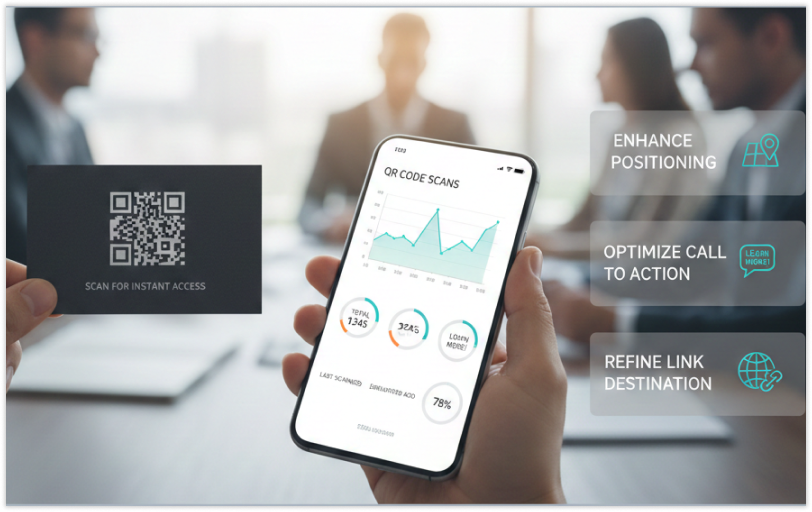
A business card is not just about its aesthetic appeal; it must also be functional.
Scan tracking enables you to comprehend:
- The number of times your QR code is scanned.
- The time when the scans occur.
- If people are indeed, engaging with it.
Such information provides you with the actual understanding of how efficient your networking activities are. It is essentially a tool that makes your business card a marketing asset that can be measured, instead of just being a passive one.
Some small analytics can already be of assistance in enhancing:
- Positioning.
- The text of the call to action.
- The link destination.
Step 4: Design Your QR Code So People Actually Scan It
A QR code shouldn’t look like an afterthought.
Here’s how to design it right:
Keep it Clean
- Avoid squeezing it into corners or shrinking it too much.
- A QR code needs breathing space to be easily scannable.
Match Your Brand
- Use subtle customisation, colours that match your brand, clean contrast, and a professional look.
- Just make sure readability stays intact.
Add a Clear Call to Action
Never assume people know what the QR code is for.
Simple lines like:
- “Scan to view portfolio”
- “Scan to save contact”
- “Scan to know more”
Such clear CTAs can dramatically increase scans.
Step 5: Choose the Right Size and Placement
QR code placement can make or break its effectiveness.
Best practices:
- Place it on the backside of the card.
- Keep it large enough to scan easily.
- Avoid glossy finishes that reflect light
A good rule of thumb:
If it can’t be scanned comfortably from arm’s length, it’s too small.
Step 6: Test Before Printing
Before sending your cards to print:
- Scan the QR code from multiple phones.
- Test in different lighting conditions.
- Check the loading speed of the linked page.
One broken scan can ruin thousands of printed cards.
This small step saves money, embarrassment, and lost opportunities.
Step 7: Update Links Without Changing Cards
One of the biggest advantages of using editable QR codes is flexibility.
You can:
- Change your website link later
- Update your contact details
- Redirect traffic to a new campaign
Your printed business card stays the same, but the experience behind it keeps evolving.
That’s modern networking done right.
Common Mistakes to Avoid
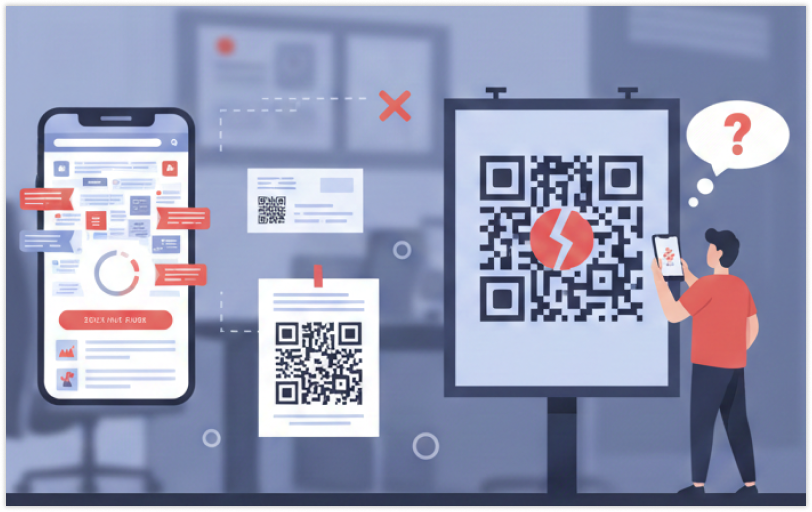
Even good QR codes fail when used incorrectly. Avoid these mistakes:
- Linking to a cluttered or slow webpage
- Using tiny QR codes
- Not adding a call to action
- Using static codes that can’t be updated
- Forgetting to check analytics
You can also check out our blog on common mistakes to avoid while making a QR code.
Your QR code should make life easier, not harder.
Final Thoughts
A QR code on a business card is one of the clever ways to connect offline and online networks.
If it is effective, it:
- Helps to create a strong first impression
- A time saver for both sides
- Makes your information adaptable
- Provides quantifiable outcomes
Your business card can be tiny, but with a proper QR code plan, its reach can be huge.
FAQs
1. What should I link my business card QR code to?
That really depends on what you want to achieve. Commonly, people create a website, digital contact card, portfolio, or a single service page. It is best to have only one clear action.
2. Is it possible for me to change the link after my business cards have been printed?
Yes, provided that you have an editable (dynamic) QR code. In this case, you can change the destination at any time without having to print again.
3. In what way can I be sure that my QR code is being scanned by people?
By having scan tracking, you are able to know the number of times your QR code has been scanned and also get a better understanding of the engagement patterns during different periods.




